SNMP vs IPMI
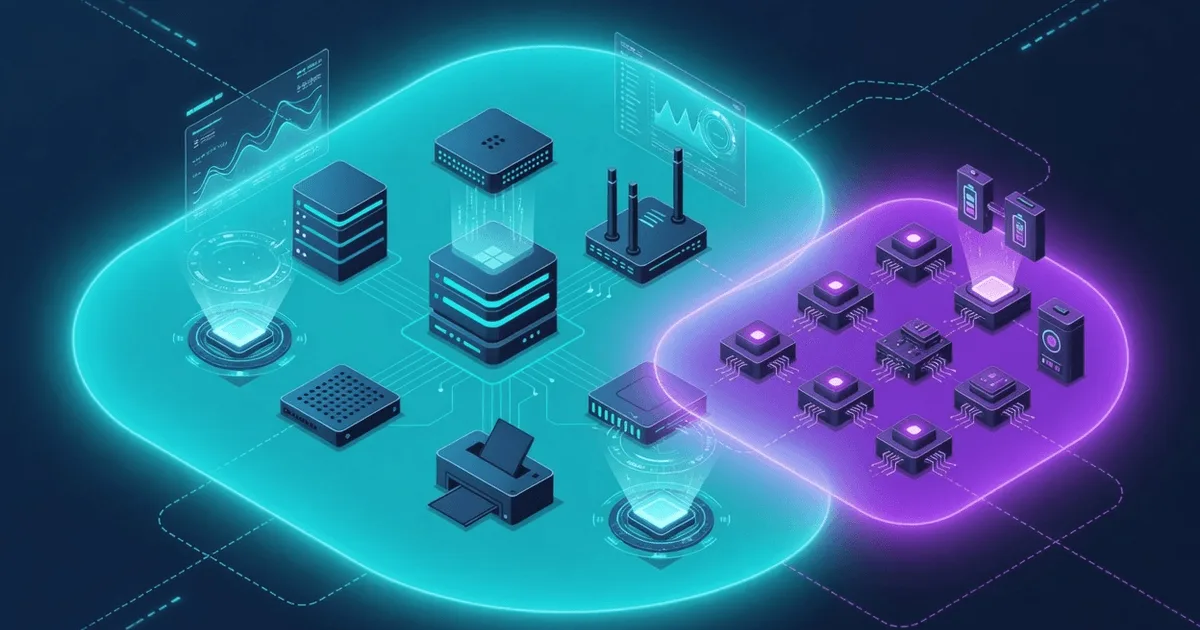
Both protocols watch the same rack, but they watch it from very different vantage points. The SNMP vs IPMI question comes up the moment you try to answer a simple thing: is that server healthy, and if it dies, how will I still hear about it? SNMP polls a running operating system for its metrics. IPMI reaches the hardware directly, through a small controller that keeps working even when the OS is gone. This page is for the sysadmin or NOC engineer deciding which one to lean on — or, more often, how to run both. If you want the short version, an snmp ipmi comparison is really a comparison of in-band versus out-of-band visibility — and it's one of the core face-offs in this SNMP monitoring knowledge base.
SNMP — strengths & fit
SNMP is the lingua franca of software-level monitoring. Almost every switch, router, server, printer, and appliance ships with an agent that answers on UDP port 161, and the data it exposes is standardized in MIBs you can read the same way across vendors. That consistency is the whole point. Ask any Linux box for its CPU load, memory, disks, uptime, or interface counters and you're pulling from well-known trees — the Host Resources MIB (RFC 2790) and IF-MIB (RFC 2863) — instead of parsing some device-specific format.
It's a pull protocol, which suits scheduled polling. A manager asks; the agent answers; you graph the trend. Here's what SNMP does especially well:
- Breadth. One protocol covers servers and network gear, so a single poller can watch the whole estate.
- Rich OS metrics. Processes, storage usage, network throughput, running services — things only the operating system knows.
- Standardized data. OIDs and MIBs mean your tooling doesn't care who made the box.
- Traps for events. Beyond polling, agents can push asynchronous notifications to a manager on UDP 162.
Security has caught up too. Where SNMPv2c sends its community string in clear text, SNMPv3 (RFC 3411–3418) adds real authentication and encryption. The catch is the dependency: SNMP reports what a live system tells it. If the kernel panics or the box loses power, the agent goes quiet — and silence is not an alert.
IPMI — strengths & fit
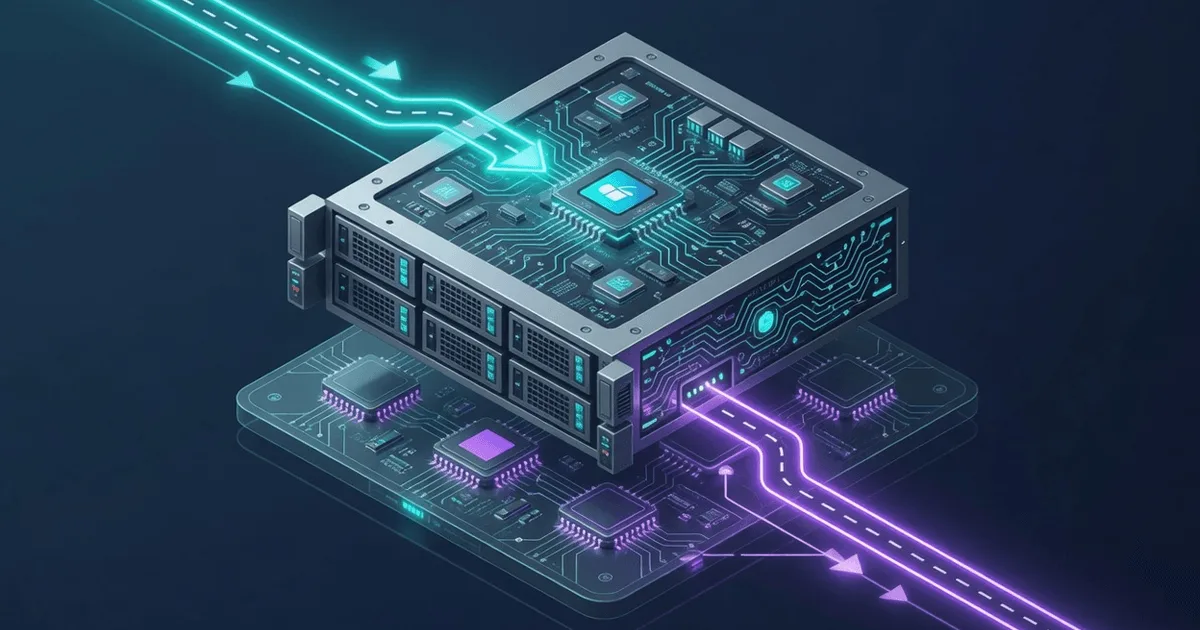
IPMI comes at the problem from underneath the operating system. It lives on the Baseboard Management Controller, a tiny always-on processor soldered onto the server's motherboard with its own network port, its own power feed, and no dependence on the host OS. That independence is its superpower. The main OS can be crashed, halted, or fully powered off, and the BMC still answers.
Because it sits that close to the metal, IPMI is the natural home for physical facts the OS often can't see cleanly: inlet and CPU temperatures, fan RPM, power-supply voltages and status, chassis intrusion. It also does things SNMP simply can't — remotely power a machine on, off, or through a hard reset, and read the System Event Log to find out why a server rebooted at 4 a.m. Out-of-band management like this is why data-center teams rely on it for lights-out operation of servers they'll never physically touch.
The trade-offs are just as real. IPMI is a hardware-management interface, not a general OS-metrics protocol — it won't tell you which process ate your RAM. Its reach stops at servers with a BMC; your switches and appliances don't speak it. And a BMC on the network is a serious attack surface, which is why it belongs on an isolated management LAN, never the public internet.
Side-by-side comparison
Here's the snmp ipmi comparison distilled to the criteria that actually drive the decision. Read the "Scope" and "Works when OS is down" rows first — they explain most of the rest.
| Criterion | SNMP | IPMI |
|---|---|---|
| Vantage point | In-band (queries the running OS) | Out-of-band (BMC, independent of OS) |
| Primary scope | OS + network metrics, multi-vendor | Server hardware health + power control |
| Works when OS is down | No — agent needs a live system | Yes — BMC stays up on standby power |
| Typical data | CPU, memory, disk, interfaces, processes | Temperature, fans, voltage, PSU, event log |
| Device coverage | Servers, switches, routers, appliances | Servers/motherboards with a BMC |
| Remote power control | No | Yes (power on/off/cycle, reset) |
| Transport | UDP 161 (polling), 162 (traps) | Dedicated/shared management NIC |
| Data model | Standard MIBs/OIDs (RFC 2790, 2863) | Sensor + event-log records via the BMC |
| Security model | v3 auth + encryption (RFC 3411–3418) | Isolate on a management network |
| Best at | Trends, throughput, capacity | Physical failures, remote recovery |
Notice these aren't rivals so much as two layers of the same stack. SNMP tells you the server is working hard; IPMI tells you the server is physically alive and lets you do something about it when it isn't. Some hardware sensors even surface through both worlds — where a vendor implements the ENTITY-SENSOR-MIB (RFC 3433), a reading like entPhySensorValue (1.3.6.1.2.1.99.1.1.1.4) lets you pull temperature or voltage over SNMP as well. When that path exists it's a nice bridge, but coverage is uneven, so don't assume it.
When to choose which
Most mature shops don't pick one. They map each protocol to the job it's built for. Use this as a rough decision guide:
- Reach for SNMP when you want ongoing trends across a mixed fleet — throughput, capacity, service health — and when the same poller has to cover network gear as well as servers.
- Reach for IPMI when you need to know a box is physically failing (a dying fan, a hot inlet, a flapping PSU) or when you must recover it remotely without a hands-on trip to the rack.
- Run both on production servers. SNMP for the software story, IPMI for the hardware story and the power button. They overlap little and complement a lot.
- Watch the security posture. Keep BMCs off the public network entirely, and prefer SNMPv3 over v2c wherever the wire isn't fully trusted.
- Mind the blind spot they share. Both live inside your infrastructure. If the whole site, the uplink, or the management LAN goes dark, neither one can call you — because the thing that failed is the thing that would send the message.
That last bullet is the one people learn the hard way. For deeper hardware context, see how this site treats temperature sensors and power-supply monitoring, and browse the devices catalog for gear-specific notes. This page sits in our wider protocol comparisons library — if your machines run Windows, SNMP vs WMI is the closer parallel, and SNMP vs Netflow covers the network-traffic angle.
External monitoring closes the gap
Internal tools — SNMP poller or IPMI console — assume something on your network is still up to raise the alarm. When an entire rack, a power feed, or the site link drops, that assumption breaks. This is the case for watching from the outside too. The idea is double durability: an independent observer beyond your walls keeps checking even when everything inside has gone silent.
ostr.io Monitoring does exactly that as a zero-setup SaaS. It polls your server's SNMP health from outside the network and fires real-time email and SMS alerts the moment a check fails — so a server that's too dead to speak for itself still reaches you. Pair that external view with your on-site SNMP and IPMI, and the coverage gaps close from both directions.